Share a Device ID Across Multiple Apps (Android)
EdgeOCR Device Core is an Android-only feature. You do not use it on iOS.
EdgeOCR Device Core is an app that gives one device ID to all apps that include the EdgeOCR SDK on the same Android device. Use it when you run more than one EdgeOCR SDK app on one device.
1. Install EdgeOCR Device Core
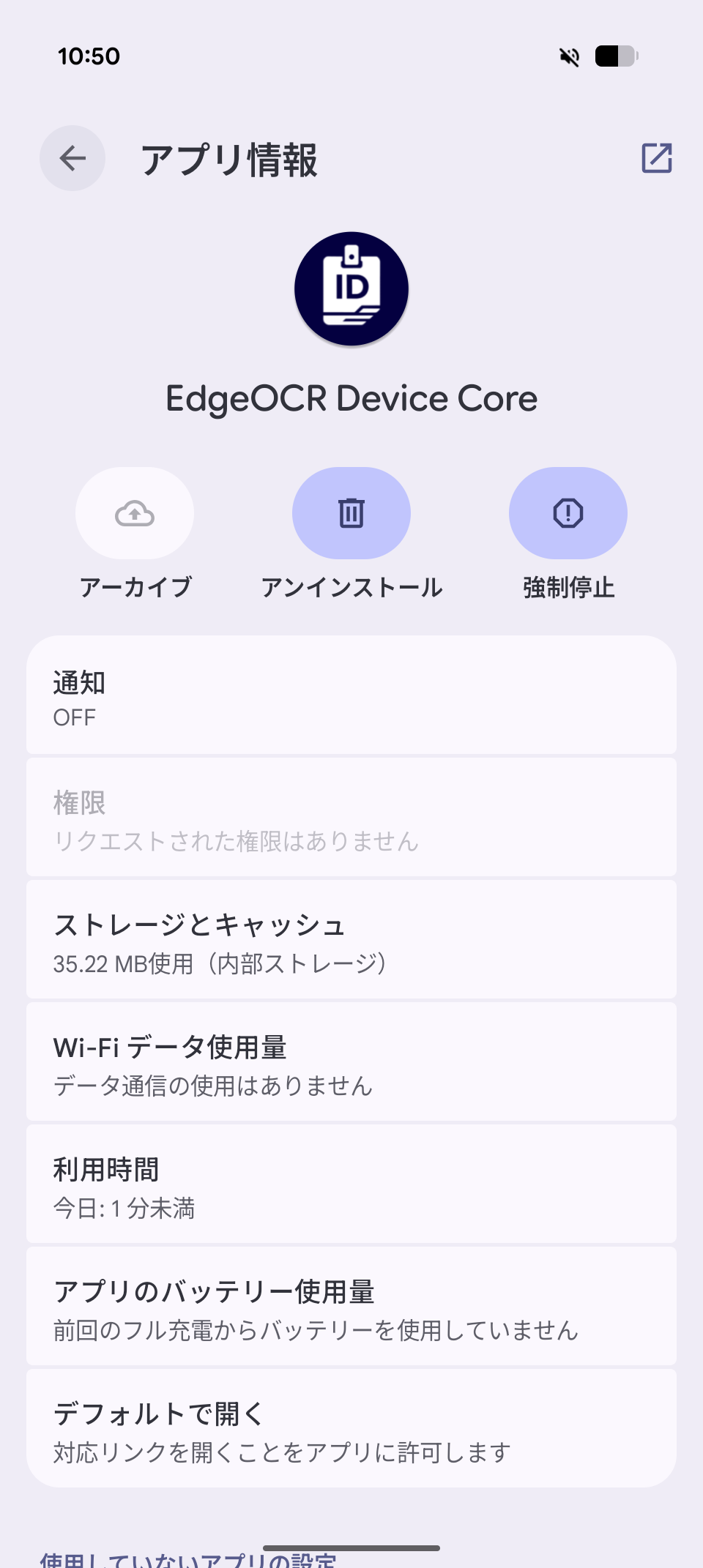
Install EdgeOCR Device Core on the device before you activate the SDK. To get the EdgeOCR Device Core APK, contact us by email. After installation, make sure that "EdgeOCR Device Core" appears in Settings > Apps on the device.
2. Select the device ID to use
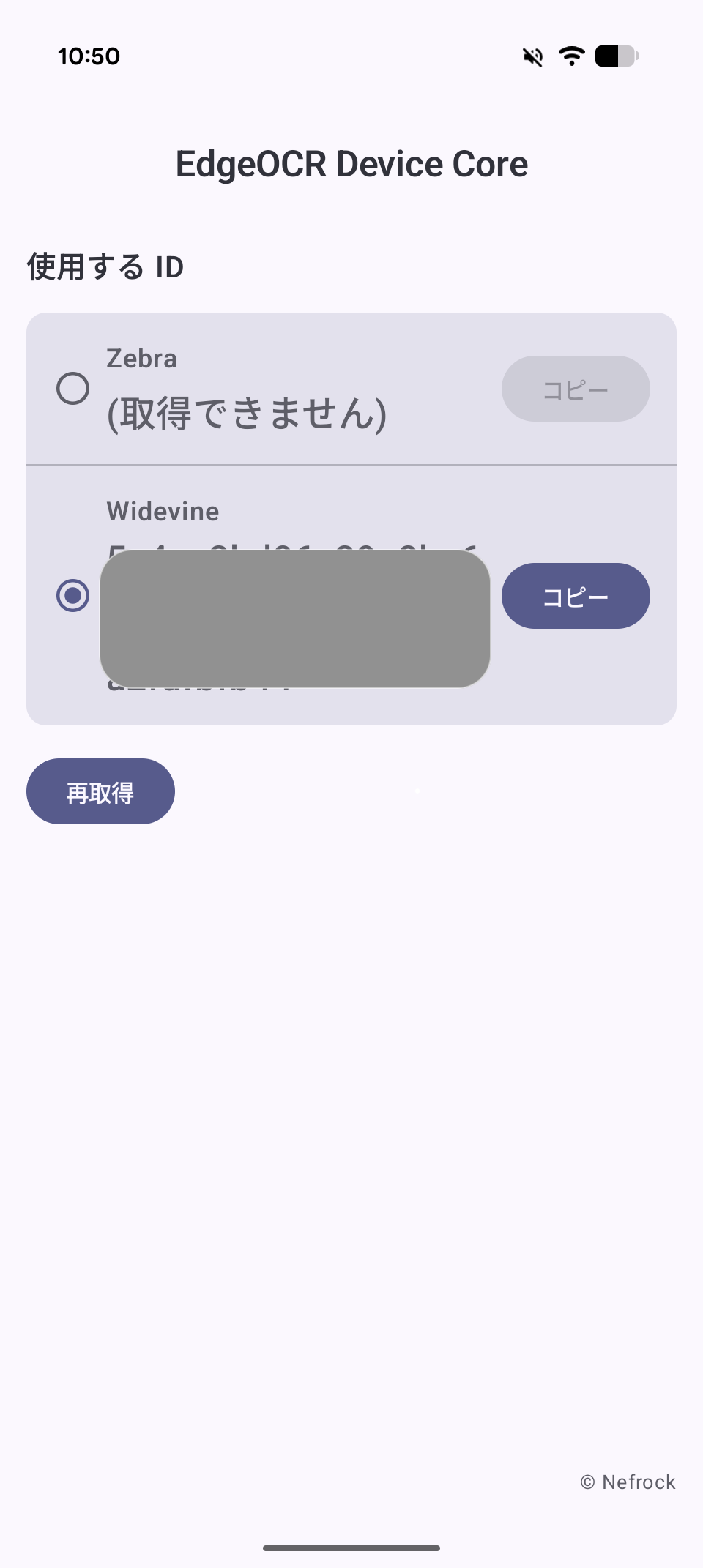
Open EdgeOCR Device Core. Under 使用する ID (ID to use), select one device ID for the SDK to use.
| ID | Description |
|---|---|
| Zebra | The hardware serial number of a Zebra device. Available only on Zebra devices. |
| Widevine | The Widevine ID of the device. |
If the device cannot get an ID, the app shows "(取得できません)" (not available) for that ID. Select an ID that the app shows a value for. If no ID appears, tap 再取得 (Retry).
3. Activate each app
After you select the ID, activate each app as usual. For the steps, see Activation.